Next.js 14 and Server Actions
How Server Actions actually work, why a single request carries back both the mutation and fresh UI, and the security checks you still have to do yourself.

What Are Server Actions?
A Server Action is an async function that runs on the server instead of the browser. Next.js invokes it through React's action mechanisms — most commonly <form action>. You define one by adding the 'use server' directive, either at the top of the function or at the top of a dedicated file:
'use server'

import { revalidatePath } from 'next/cache'

export async function createPost(formData) {
  await db.post.create({
    data: { title: formData.get('title') },
  })
  revalidatePath('/posts')
}
You can pass it straight to a form's action prop, with no separate API route needed:
<form action={createPost}>
  <input name="title" />
  <button type="submit">Submit</button>
</form>
One Request, Data and UI Together
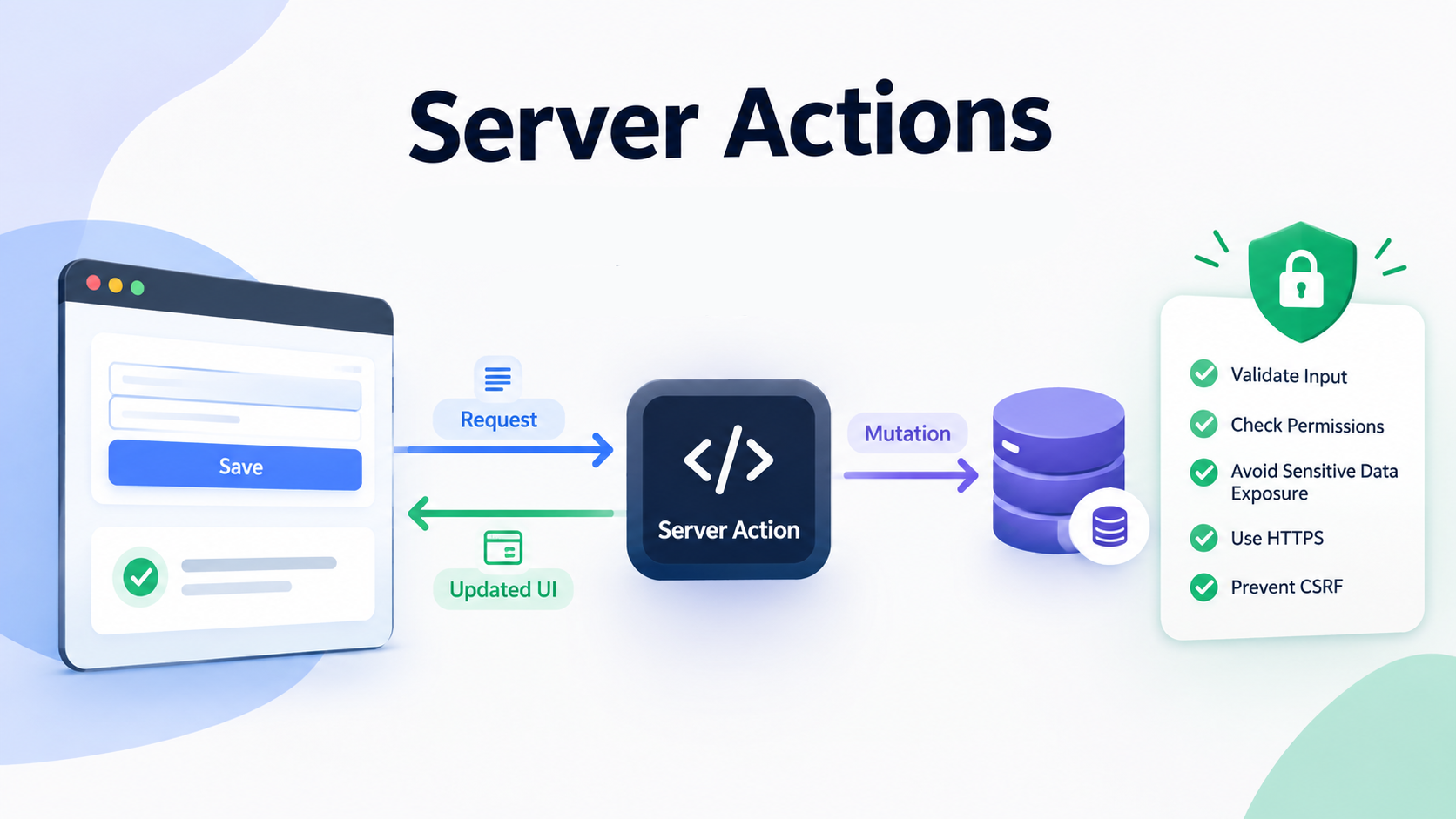
When an action calls revalidatePath, updateTag, or redirect, Next.js runs the mutation and re-renders the current route on the server within the same HTTP request. The response carries both the action's return value and a freshly rendered RSC Payload, so the client shows the updated UI without an extra round trip.
Sequential Dispatch on the Client
Next.js dispatches Server Actions from a given client one at a time, not in parallel. If a user triggers several actions back to back, each waits for the previous one to finish. If you need real parallelism, do it inside a single action or fetch in parallel from a Server Component.
Security Is Still Your Job
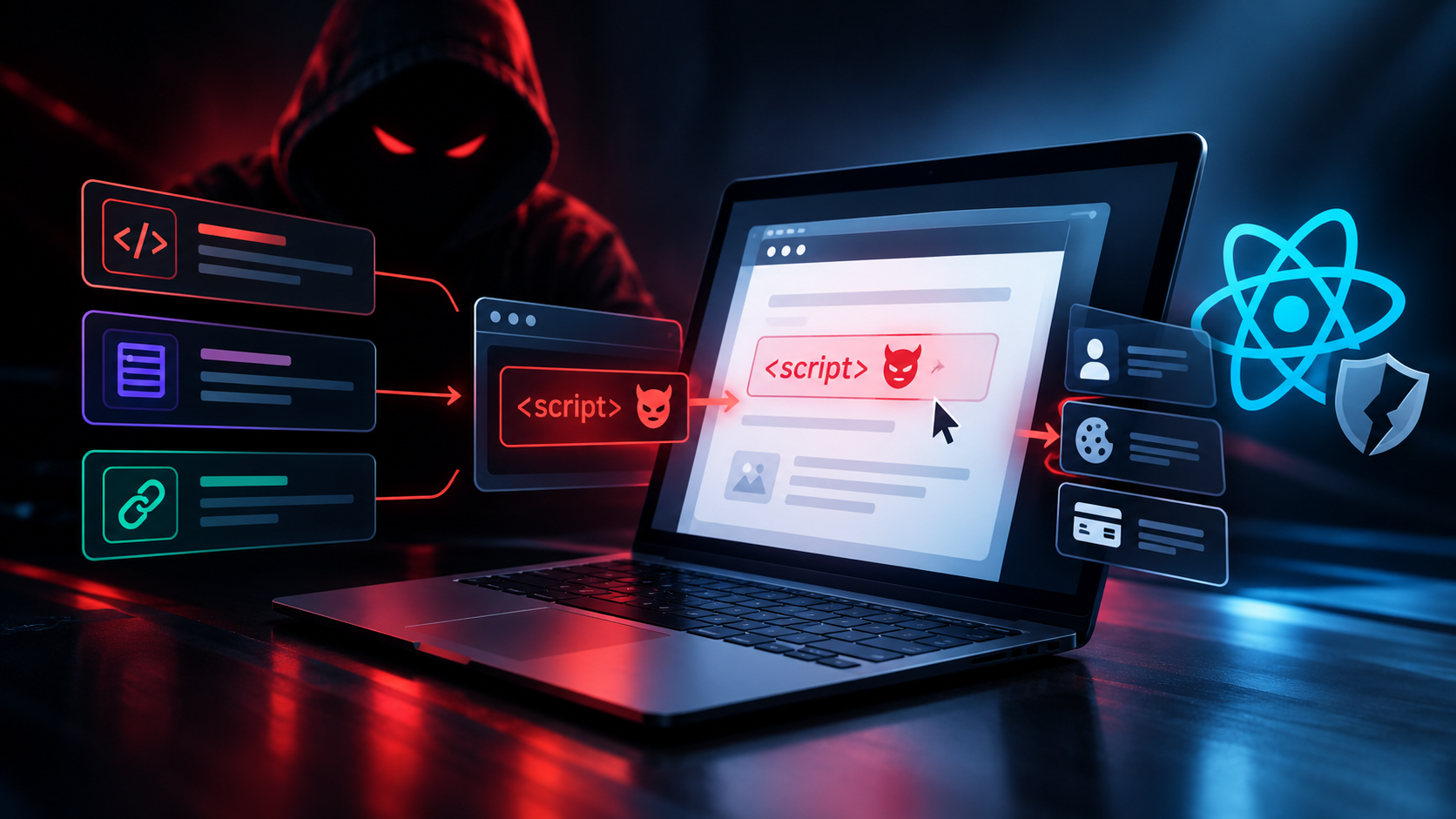
Every Server Action is effectively a public POST endpoint — anyone who can send the matching request can call it, whether or not they went through your UI. Next.js includes some built-in protections (an Origin/Host based CSRF check, a body size limit, encrypted action IDs), but none of that replaces your own checks. Inside every action you should still:
- Authenticate and authorize the caller (conditionally rendering a form is not a security boundary)
- Validate the incoming
FormData, since it's entirely untrusted - Return only what the UI needs, not raw database rows
Choosing How to Refresh the Cache
A few options exist for refreshing data after a mutation:
updateTag— invalidates immediately; the current response waits for fresh datarevalidateTag— stale-while-revalidate; the current user still sees the old value while a refresh happens in the backgroundrevalidatePath— the simplest option when only one route is affected
Takeaway
Server Actions shorten the path from form to mutation: no separate API route, baseline security from the framework, and UI that updates in the same round trip. None of that replaces authenticating and validating input inside the action itself.