Burp Suite for Beginners
An introduction to Proxy, Repeater, Intruder, and Scanner, plus the initial setup steps to start web penetration testing with Burp Suite.

What Is Burp Suite?
Burp Suite is a web security testing toolkit built by PortSwigger, and it's become the industry-standard platform for web application penetration testing. The core idea is simple: it sits between your browser and the target application, lets you inspect every request and response, and helps you find weaknesses before a real attacker does.
Core Components
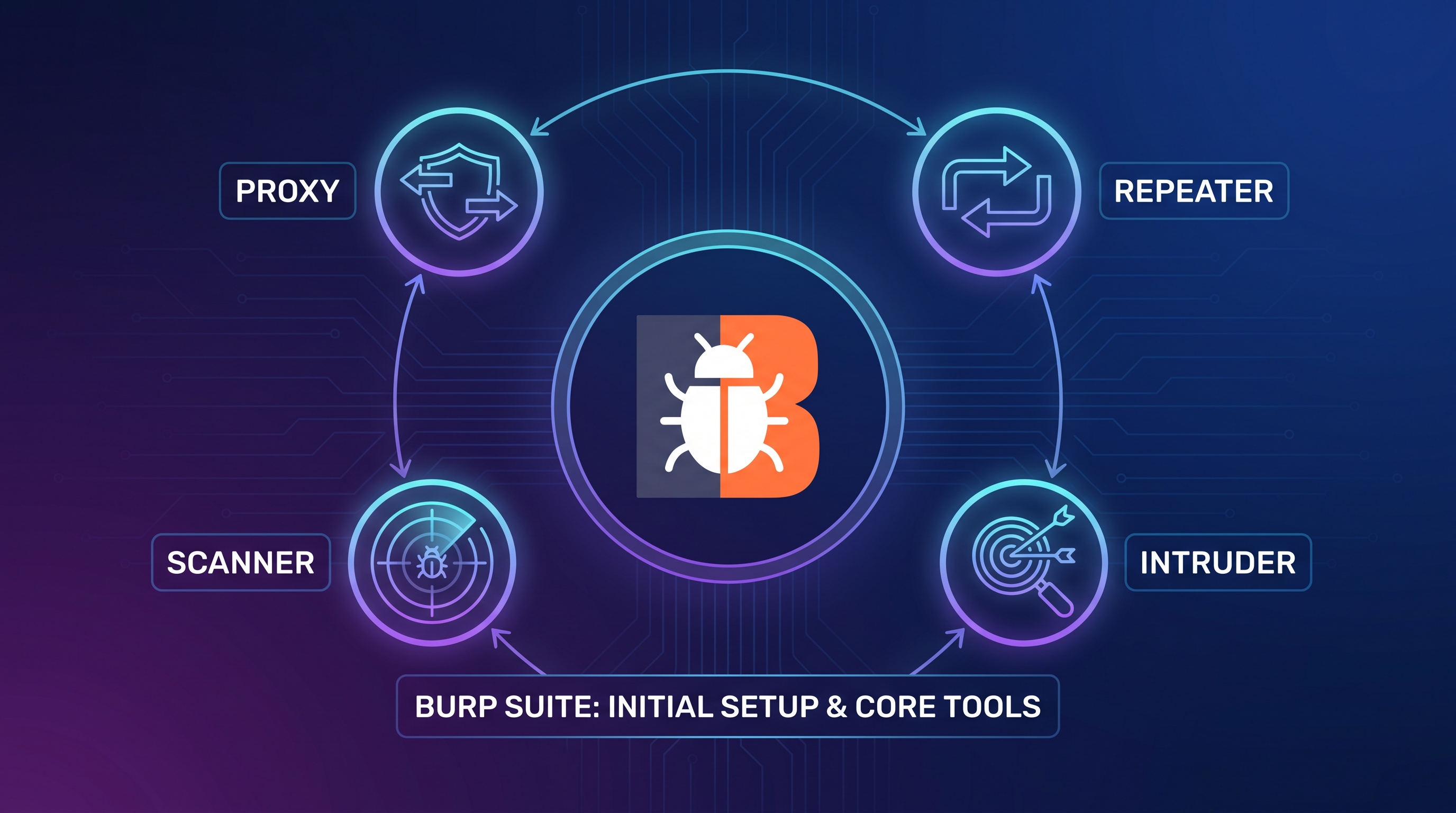
Proxy — the heart of Burp Suite. It intercepts every request and response between your browser and the application so you can inspect traffic in real time.
Repeater — grab a single request, tweak it, and resend it as many times as you want. Perfect for manually probing how an application reacts to different inputs.
Intruder — automated testing with configurable payloads, used to systematically hunt for vulnerability patterns across many inputs at once.
Scanner (Professional edition) — crawls and audits an application simultaneously, surfacing known vulnerability classes without manually testing every route by hand.
Getting Set Up
To get started as a beginner:
- Install the Community (free) or Professional edition
- Configure your browser's proxy settings to route traffic through Burp
- Install Burp's own CA certificate so you can inspect encrypted HTTPS traffic, not just plain HTTP
- Define a scope so testing stays focused on your target application, not every site you happen to open
A Typical Workflow
A structured Burp Suite test usually looks like:
- Mapping the attack surface — finding every route and parameter
- Analyzing functionality to spot the highest-risk areas
- Testing authentication, session management, and access control
- Checking input validation on every parameter, one by one
- Writing up findings as a traceable report
Why It Matters
This structured approach turns security testing from scattered, ad-hoc poking into a repeatable, documented process — the difference between guessing and actually testing.
Takeaway
If you're new to web penetration testing, the best starting point is turning on the Proxy, browsing an application you have explicit permission to test (a practice environment like PortSwigger's own Web Security Academy is ideal), and manually replaying a few simple requests through Repeater. The rest of the toolkit clicks into place with practice.